The Steam Parental Controls Handbook
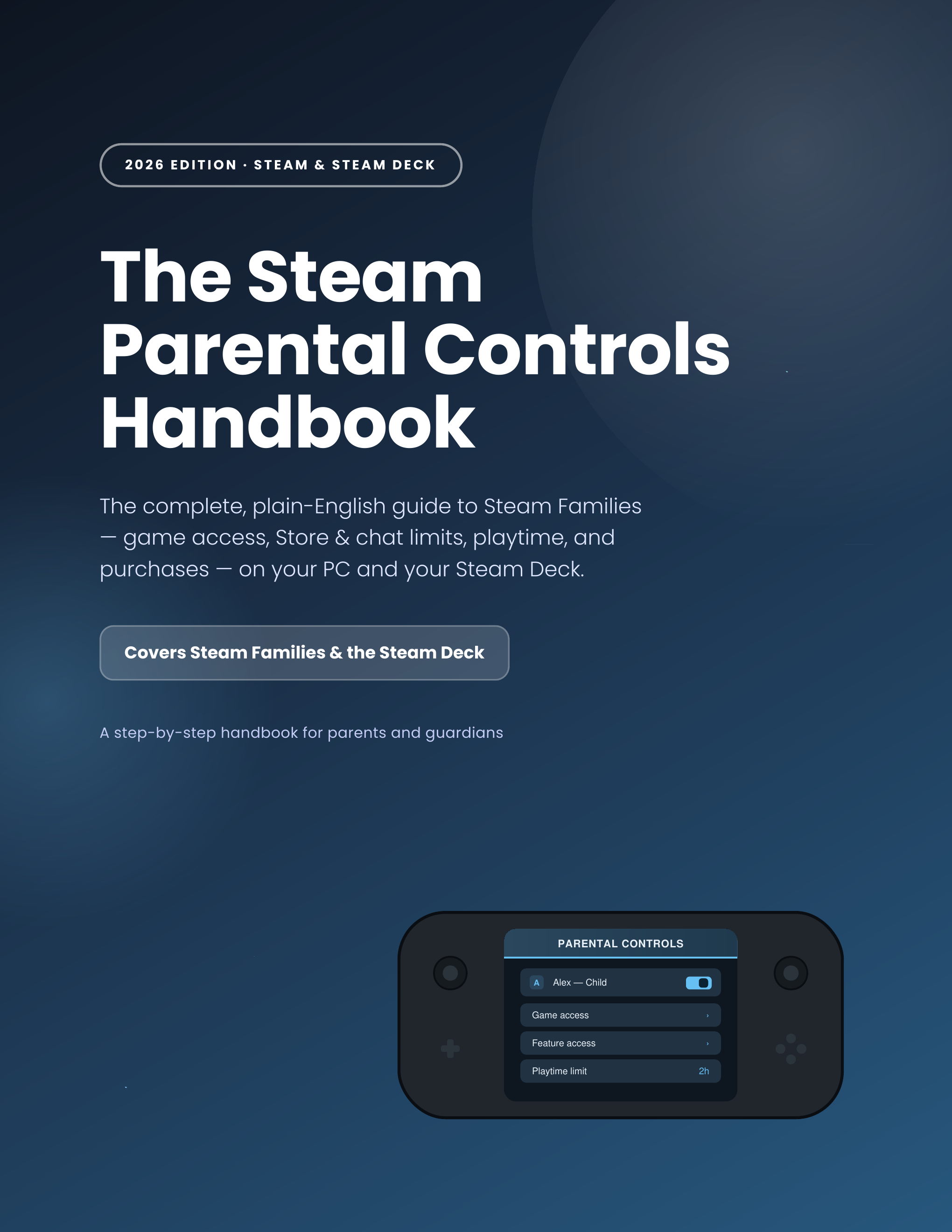
In 2024 Steam replaced Family Sharing and Family View with Steam Families — one dashboard that covers game access, Store & chat limits, playtime, and purchases on your PC and your Steam Deck. This guide walks you through every setting in plain English, in about 20–30 minutes.
What you'll learn
Every setting Steam gives parents — explained in plain English, with the shortest path to the outcome you actually want.
Create your Steam Family the right way
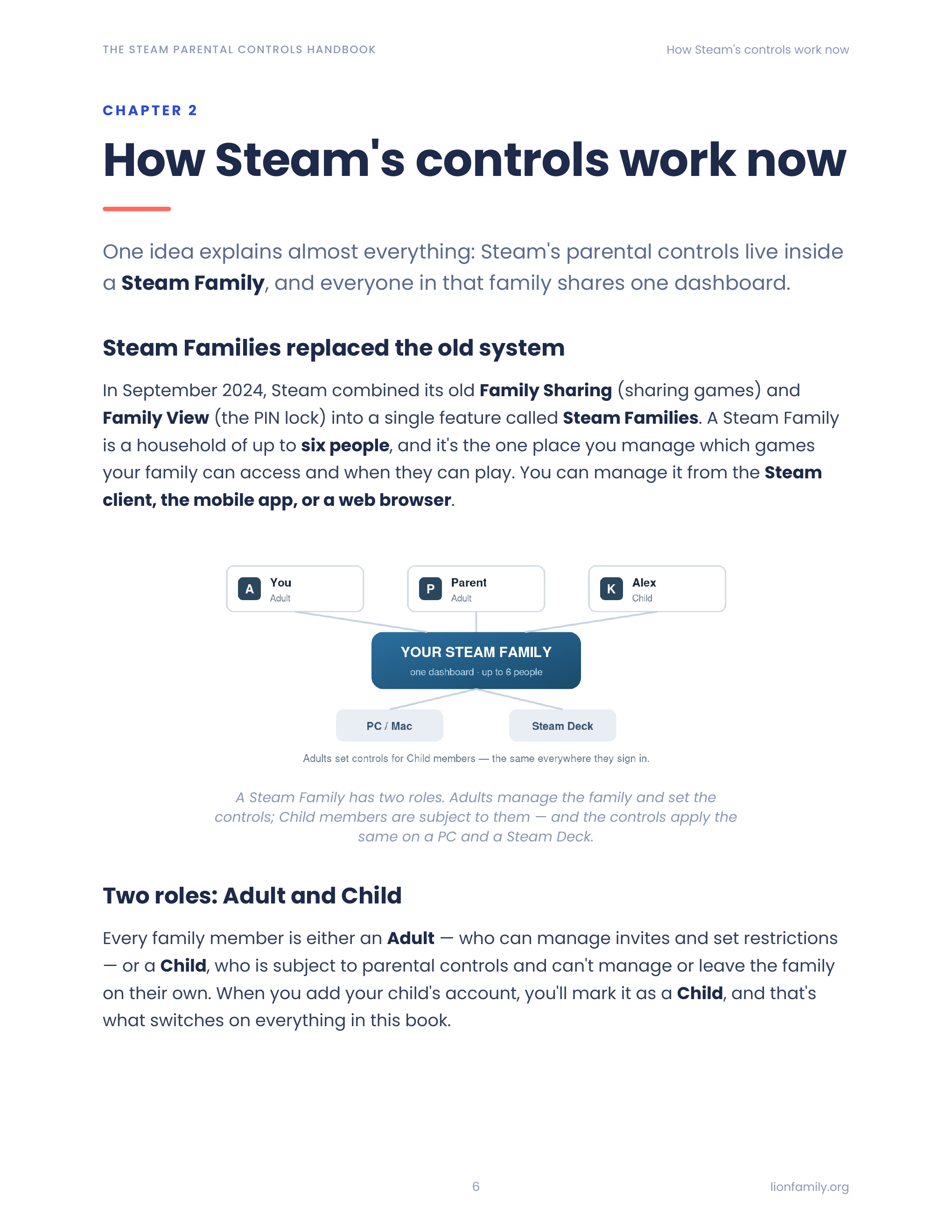
Up to six members — one organizer, up to five invited — with your child marked Child so parental controls apply. The foundation everything else builds on.
Per-game access, not blanket blocks
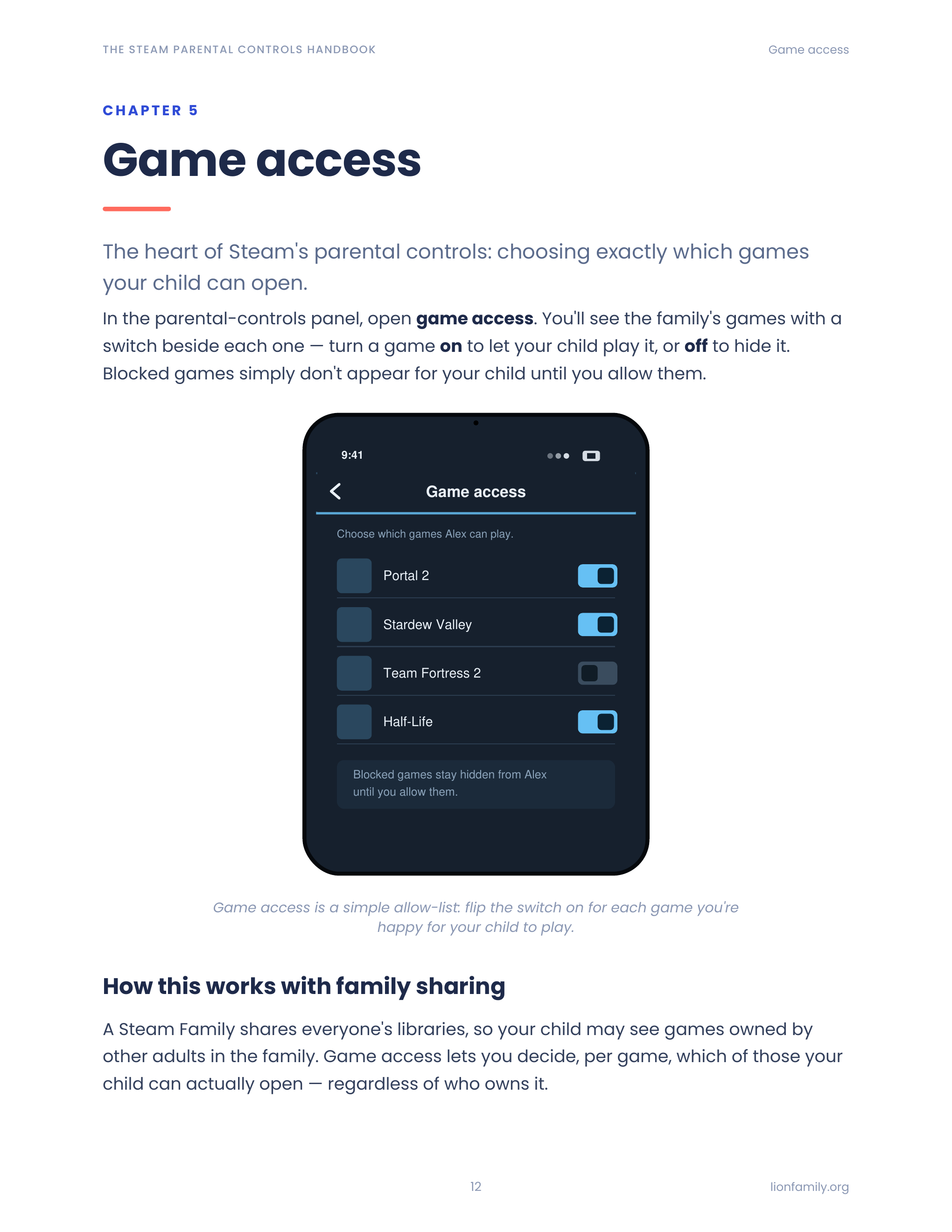
Toggle exactly which games from your family library your child can open. Nothing more, nothing less — and the toggle map is one screen away when their tastes change.
Store, Community & Chat under one dashboard
Restrict Store, Community (profiles, workshop, market), and Friends & chat from the same panel — the three things parents most often want off at first.
Playtime limits + weekly schedule
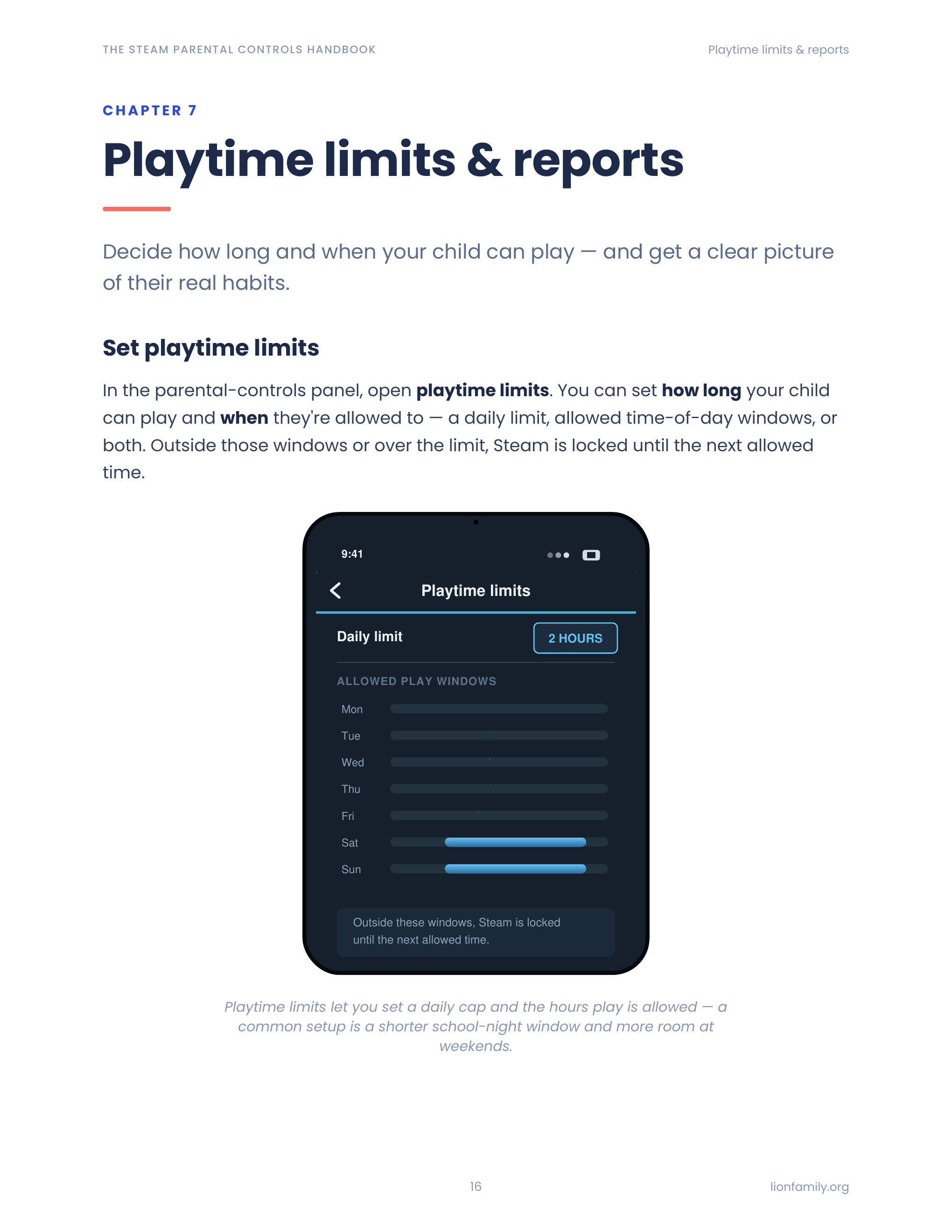
Daily hour caps and a per-day allowed-hours schedule. When the window closes, play stops — with weekly playtime reports so you know what actually happened.
Requests you can approve from your phone
Your child asks for more playtime, a feature, or a purchase; you approve or deny from the Steam mobile app — with temporary or permanent grants.
Steam Deck Desktop Mode: the one gap most parents miss
The Deck can drop into full Linux with a browser that sits outside Steam. Chapter 10 covers what closes that gap — including why the child should never know the account password.
What's inside
12 focused chapters — read cover-to-cover or jump to the one you need.
- 1Why controls matter on Steam (and what they can't do)
- 2How Steam's controls work now
- 3Create a Steam Family & add your child
- 4Turn on parental controls
- 5Game access
- 6Steam feature access: Store, Community & Chat
- 7Playtime limits & reports
- 8Requests & purchase approvals
- 9Account recovery & the legacy Family View PIN
- 10Steam Deck: same controls, one big gap
- 11Age-by-age playbook
- 12Beyond Steam's built-in tools
A peek inside
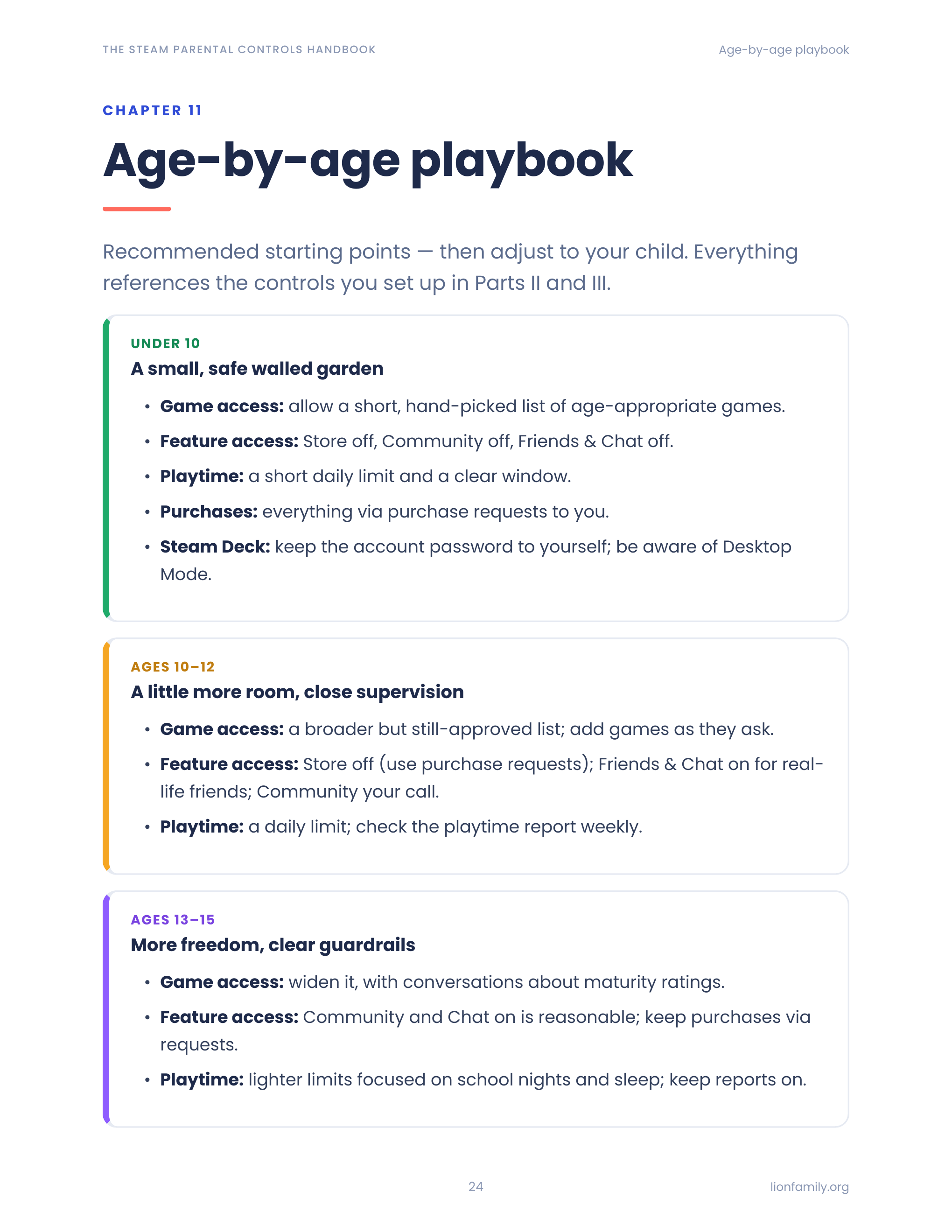
Sample pages from the guide — designed to be scanned, not slogged through.
Who it's for
- Parents whose kid just got a Steam account or a Steam Deck for the first time
- Parents of teens playing Steam games on a shared family PC
- Parents who set up the old Family View years ago and need to migrate to Steam Families
- Anyone dealing with the "please can I buy this game?" moment
- Grandparents and caregivers who share a Steam Deck with a Steam-playing kid
Frequently asked
Beyond Steam's built-in controls
Want protection that follows your kid off Steam?
Meet the Lion app suite — safer browsing, deeper monitoring, kid-safe AI, and filtered YouTube. Optional, but a natural next step for many families.
Ready to lock things down?
Get the guide, follow the chapters that match your kids' ages, and be done in an evening.