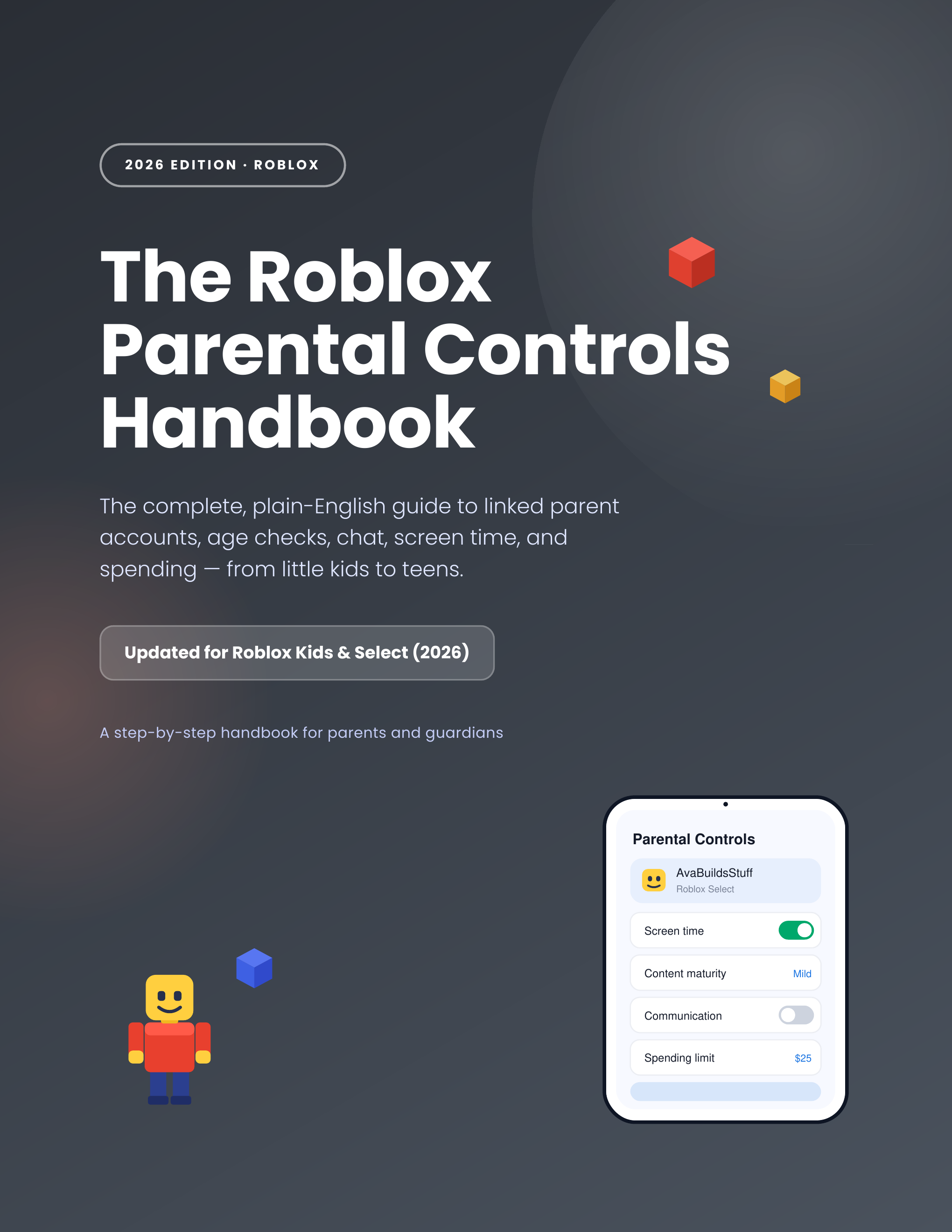
The Roblox Parental Controls Handbook
Roblox rebuilt its safety system in 2026 — new parent-account setup, new Kids and Select accounts, new chat and spending rules. This guide walks you through every one, in plain English, in about 20 minutes.
What you'll learn
Every setting Roblox gives parents — explained in plain English, with the shortest path to the outcome you actually want.
Link your parent account the right way
The old 4-digit Parent PIN is gone. Set up a linked parent account with proper age verification so you can manage controls from your own device.
Roblox Kids & Roblox Select, decoded
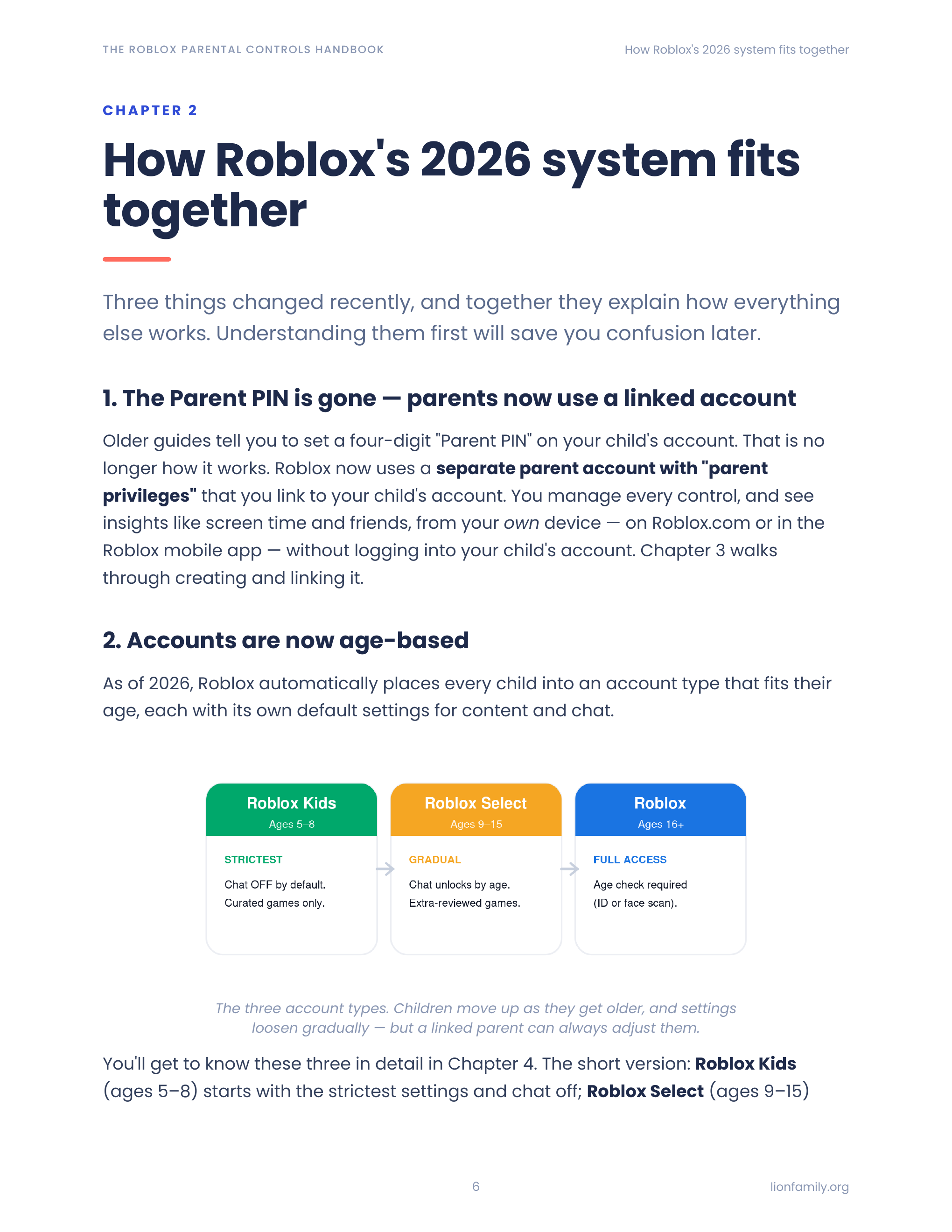
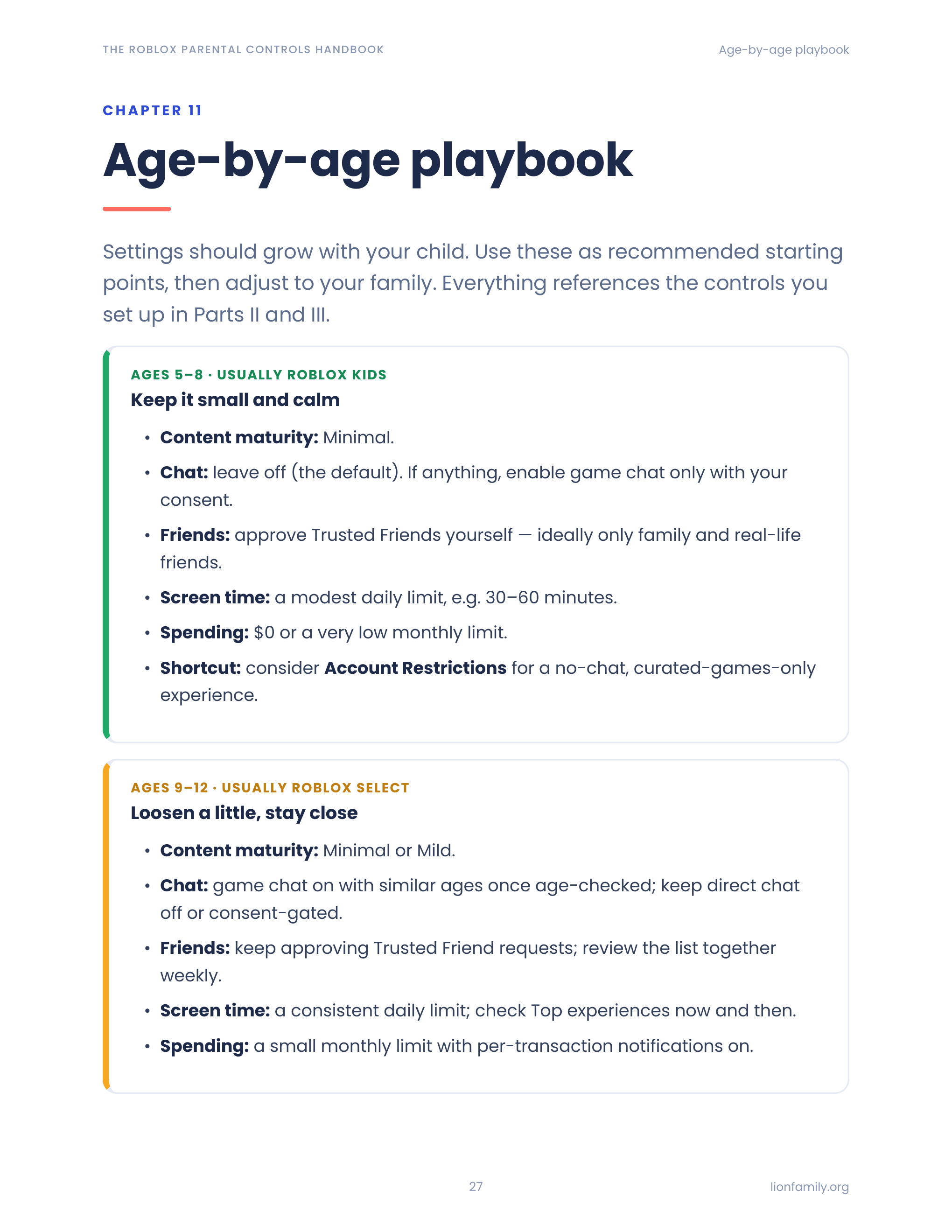
The new age-based accounts — Kids (5–8), Select (9–15), and full Roblox (16+) — each with their own defaults. Know what your child can access at every stage.
Set content maturity, correctly
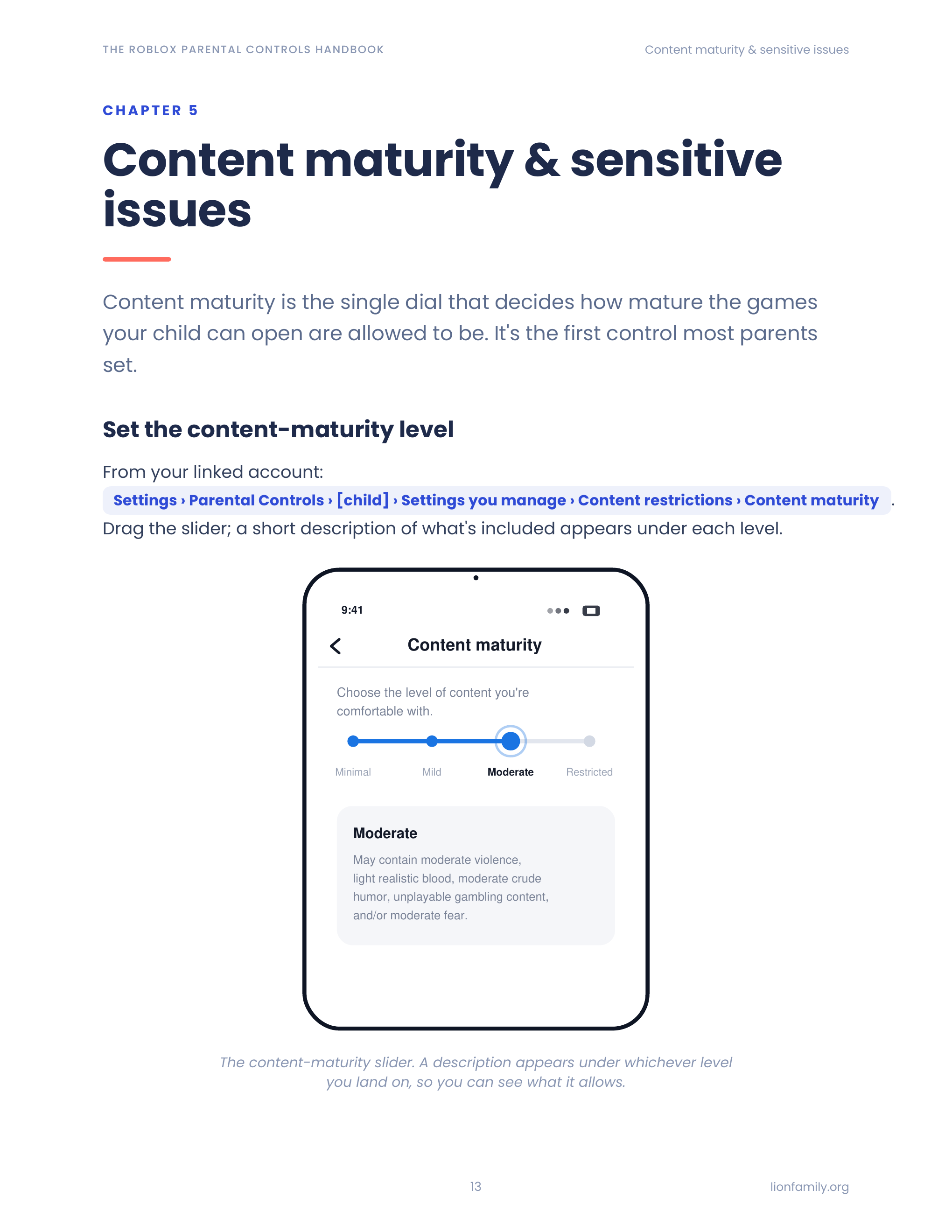
Minimal, Mild, Moderate, Restricted — what each level actually shows, and where Roblox itself lists conflicting age thresholds (we tell you both).
Control chat and Trusted Friends
Game chat, direct chat, Party, Group Party — plus the new facial-age-check requirement and the Trusted Friends approval flow for under-13s.
Cap spending before it caps you
Set a monthly Robux limit, choose your alert thresholds, and understand what the limit does and doesn't cover (gift cards, per-game subs).
Screen time that actually holds
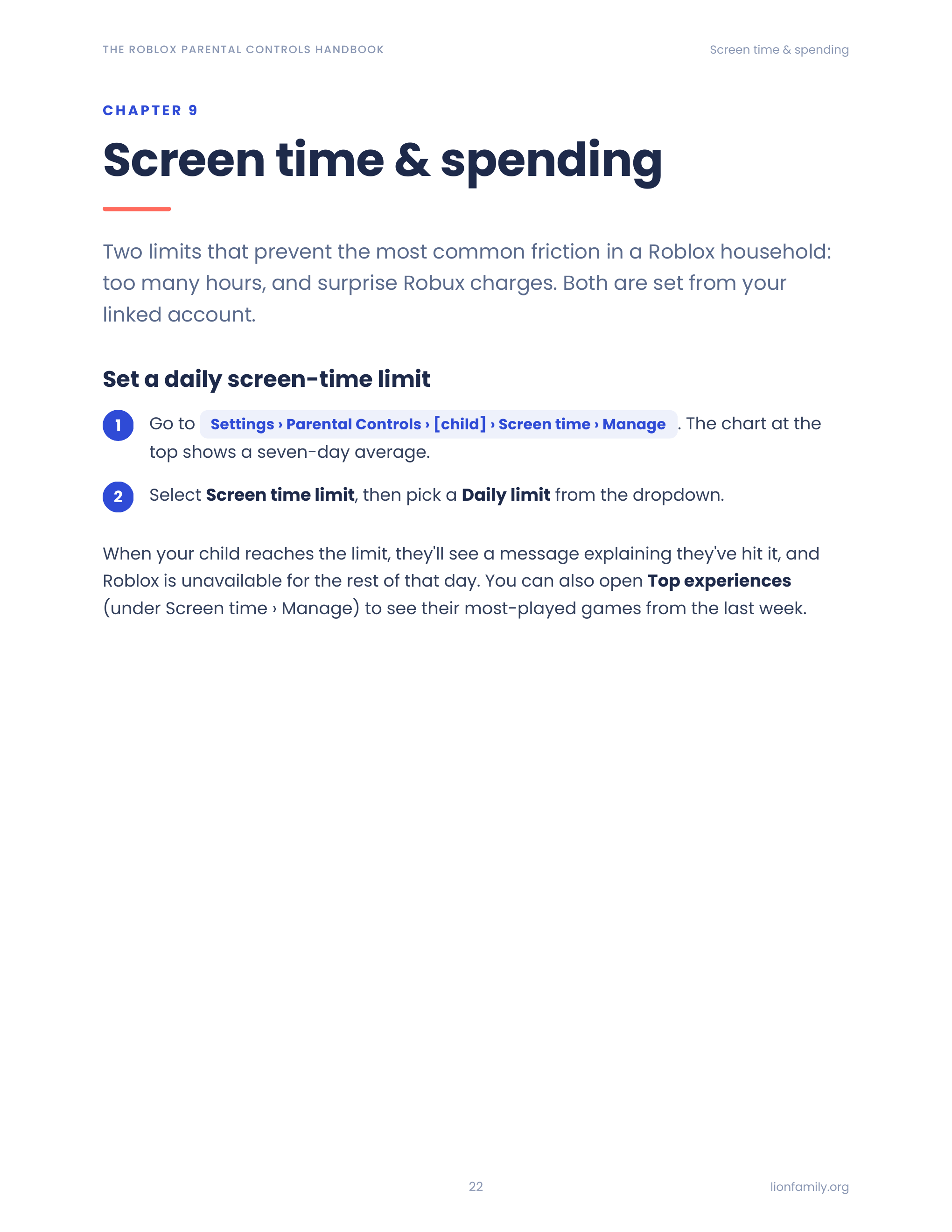
Set a daily limit that locks Roblox for the rest of the day when hit, and review what your child actually plays each week.
What's inside
12 focused chapters — read cover-to-cover or jump to the one you need.
- 1What changed in 2026 (and why old guides are wrong)
- 2The new age-based accounts: Kids, Select, and Roblox
- 3Linking your parent account (the foundation)
- 4Content maturity levels
- 5Allowed & blocked games
- 6Sensitive issues
- 7Chat, Party, and Group Party
- 8Trusted Friends and the under-13 rule
- 9Private servers & visibility
- 10Monthly spending limits
- 11Screen time & the weekly report
- 12Account Restrictions (the simpler lock)
A peek inside
Sample pages from the guide — designed to be scanned, not slogged through.
Who it's for
- Parents whose 5–8 year old just got their first Roblox account
- Parents of tweens using Roblox on iPad, iPhone, Xbox, PlayStation, or PC
- Parents who set up Roblox controls years ago and want a checkup
- Anyone confused by the 2026 changeover from Parent PIN to linked parent accounts
- Grandparents and caregivers who share a device with a Roblox-playing kid
Frequently asked
Beyond Roblox's built-in tools
Want protection that follows your kid off Roblox?
Meet the Lion app suite — safer browsing, deeper monitoring, kid-safe AI, and filtered YouTube. Optional, but a natural next step for many families.
Ready to lock things down?
Get the guide, follow the chapters that match your kids' ages, and be done in an evening.