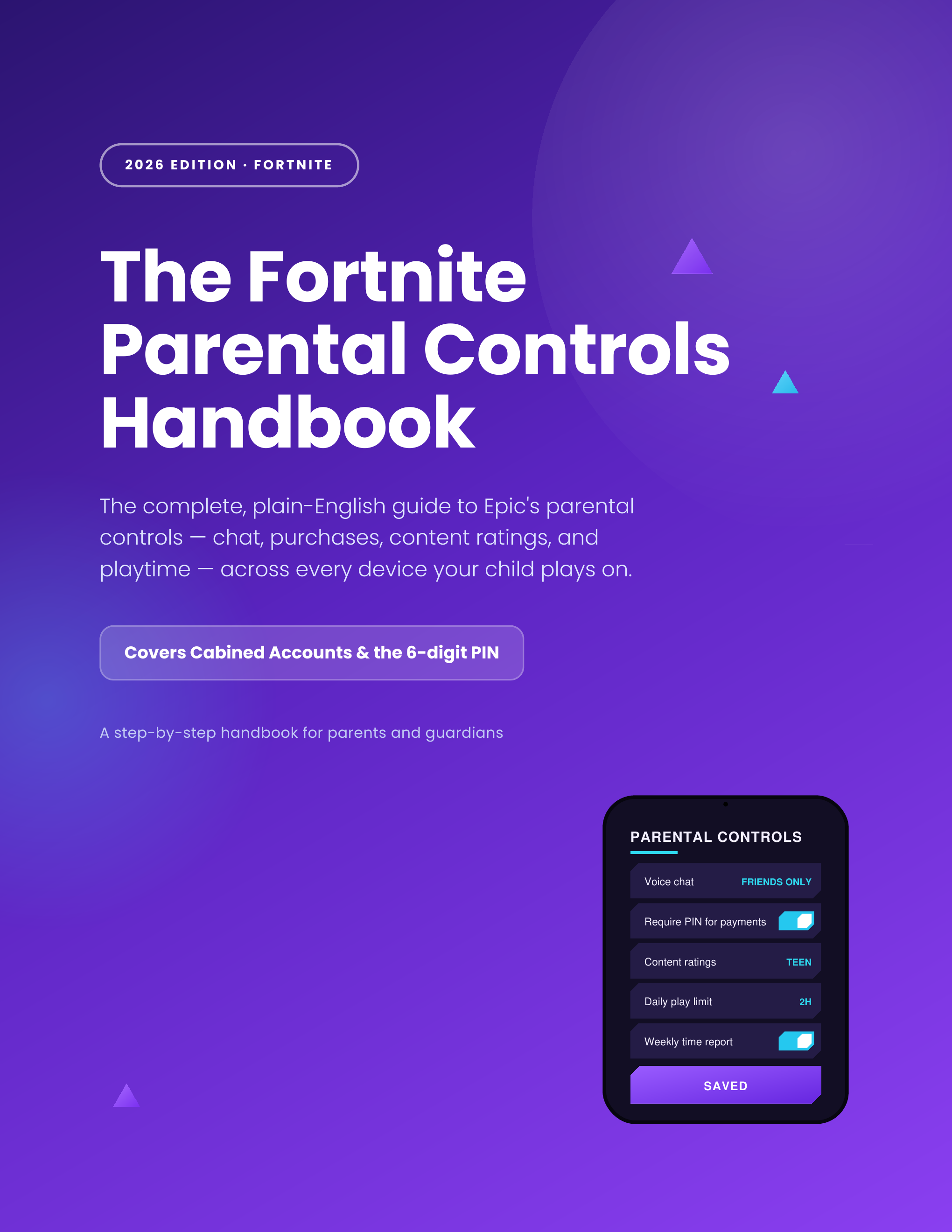
The Fortnite Parental Controls Handbook
Fortnite's parental controls are really Epic Games account controls — one PIN protects Fortnite, Rocket League, and Fall Guys across every platform your child plays on. This guide walks you through every setting in plain English, in about 20 minutes.
What you'll learn
Every setting Fortnite gives parents — explained in plain English, with the shortest path to the outcome you actually want.
Set the parent PIN the right way
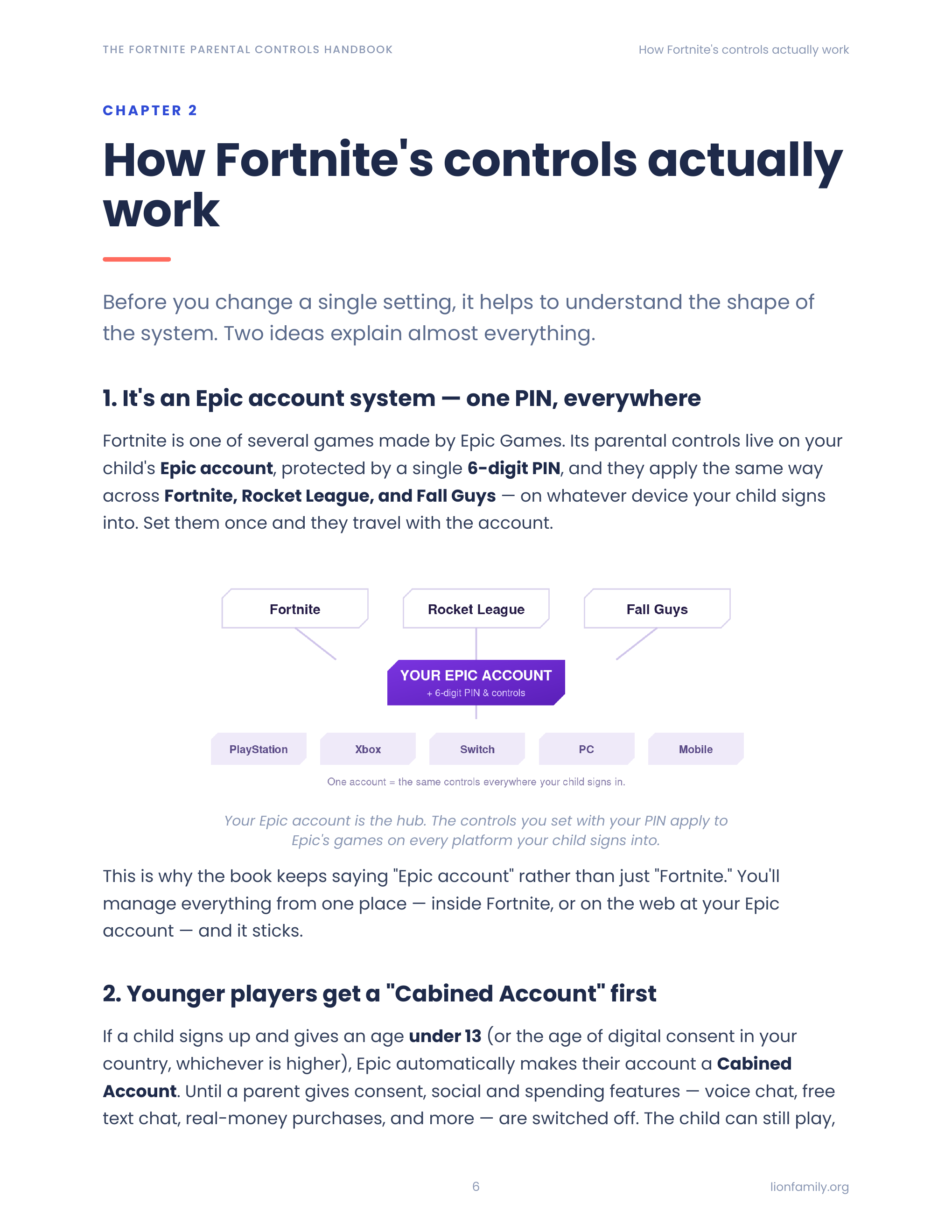
A single 6-digit PIN gates every parental control across Fortnite, Rocket League, and Fall Guys — on every device your child signs in with their Epic account.
Cabined Accounts, decoded
What's automatically locked for under-13 accounts, how to grant proper consent, and what stays disabled forever without it.
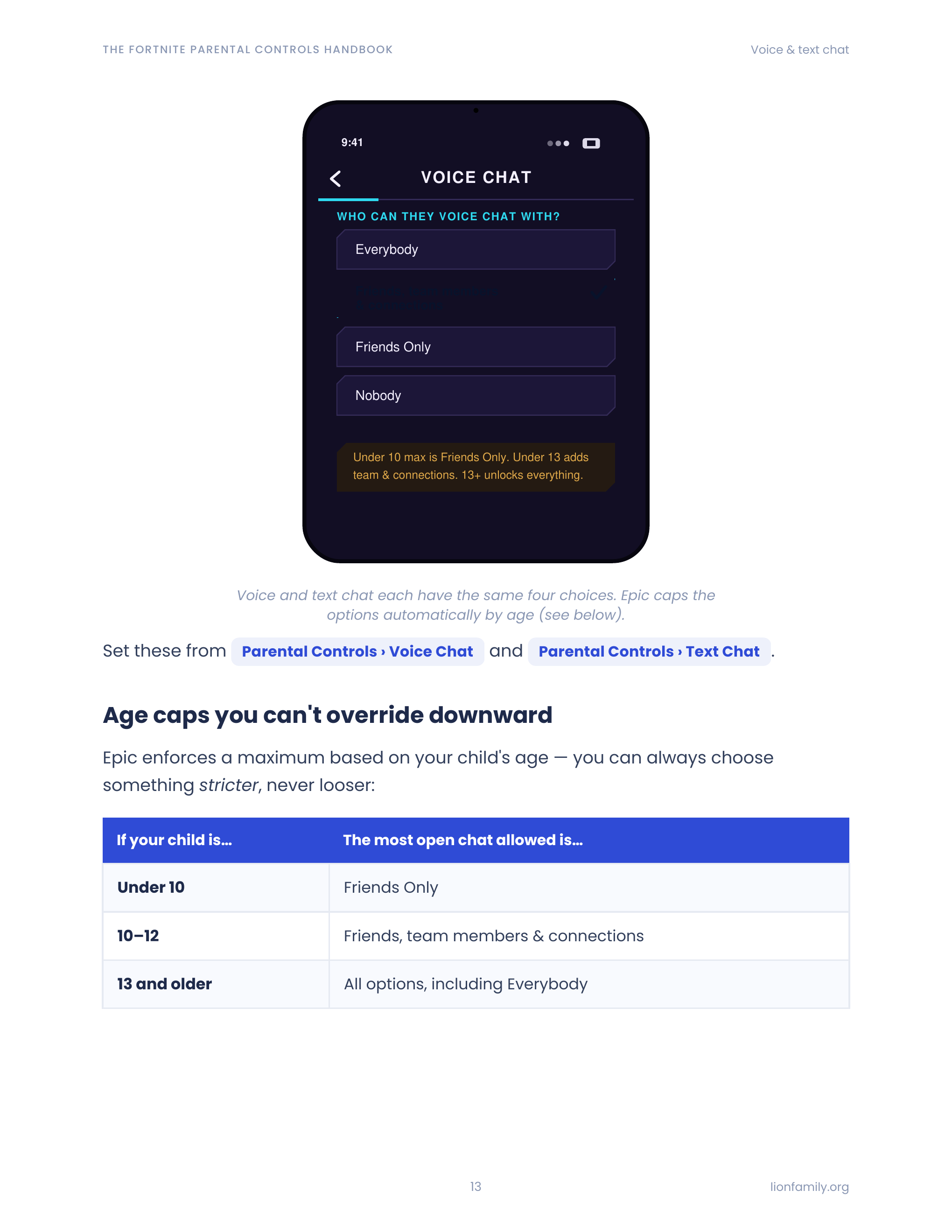
Chat and voice with the age gates most parents miss
Voice, text, and mature-language filter — plus the age-based limits Epic quietly enforces beneath your settings.
Spending controls that actually apply
Epic payments, V-Bucks, and the $100/day cap for under-13s — including what your console-store controls do and don't cover.
Age ratings, Creative Mode, and UEFN
How Fortnite ratings work per island, what your kid can play versus build, and the risks of user-created content.
Time limits + the weekly report email
Daily caps, quiet windows, add-more-time requests, and the weekly summary email so you always know what they actually played.
What's inside
12 focused chapters — read cover-to-cover or jump to the one you need.
- 1Getting your bearings
- 2Cabined Accounts explained
- 3Setting up the 6-digit parent PIN
- 4Voice chat & voice reporting
- 5Text chat & mature-language filter
- 6Friends & the PIN-to-add-friends control
- 7Spending: V-Bucks, Epic payments, under-13 daily cap
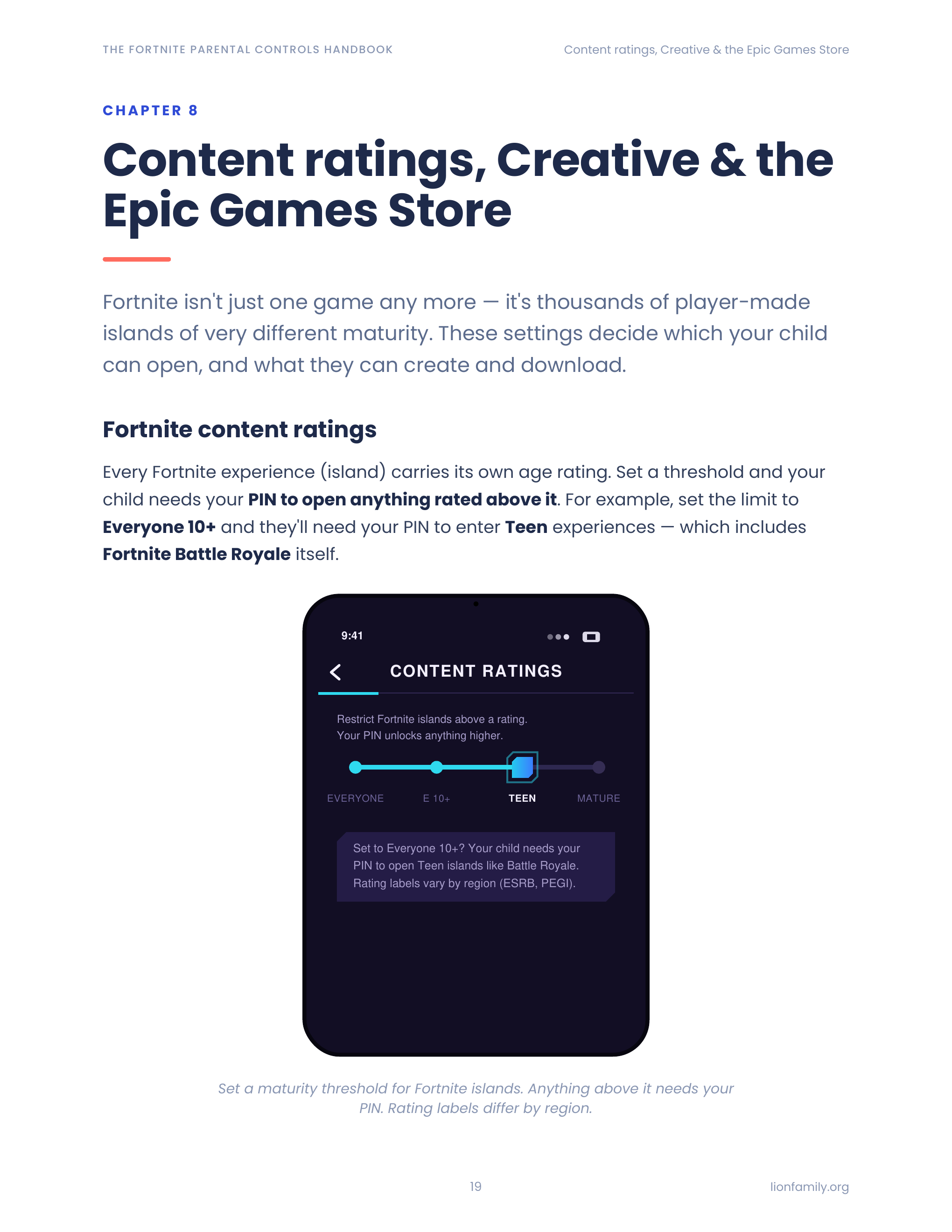
- 8Age ratings across Fortnite islands
- 9Creative Mode & Unreal Editor for Fortnite
- 10Time limits, requests & the weekly report
- 11AI Permissions (conversational NPCs)
- 12Beyond Epic: console, platform, and device controls
A peek inside
Sample pages from the guide — designed to be scanned, not slogged through.
Who it's for
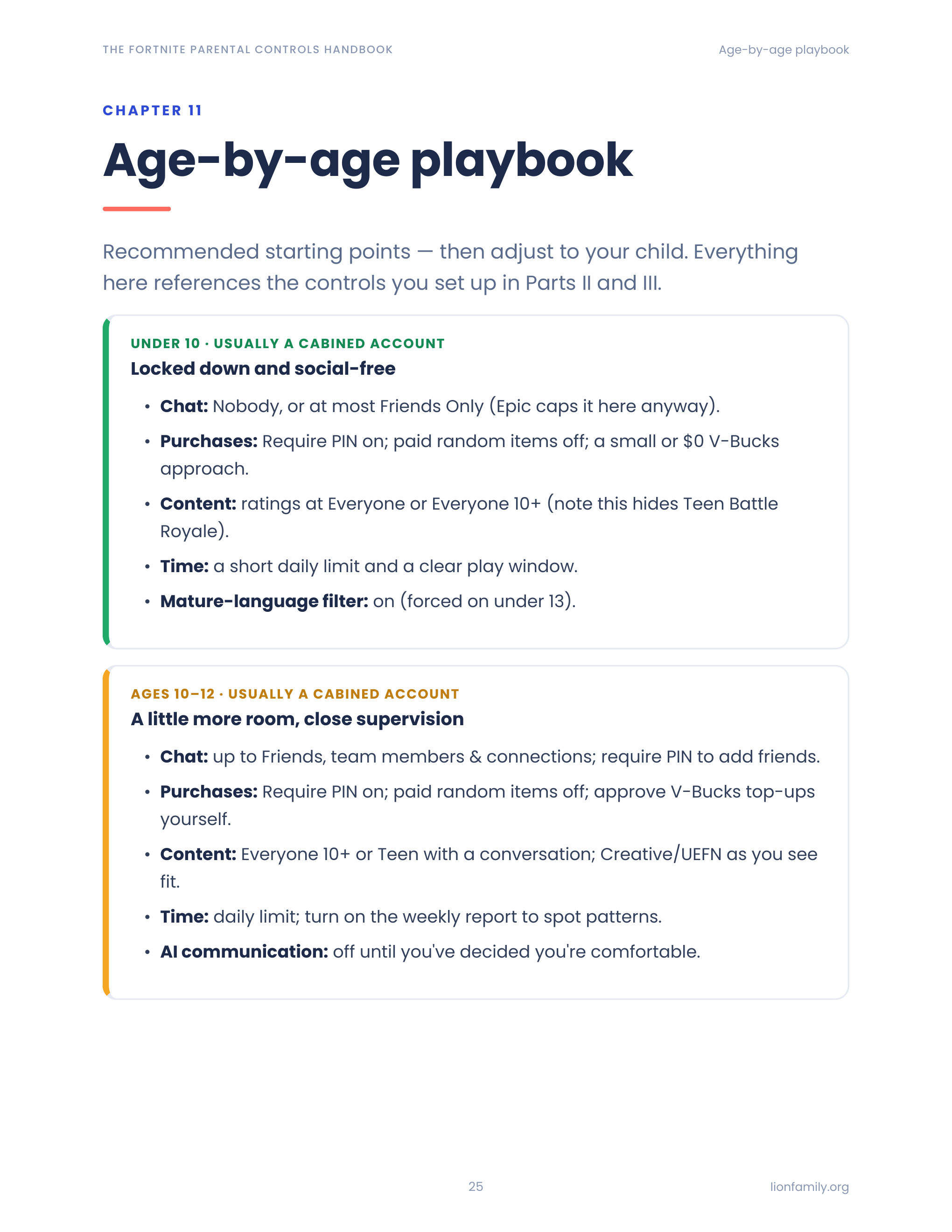
- Parents whose 8–12 year old just got their first Fortnite account
- Parents of teens playing Fortnite on PlayStation, Xbox, Switch, or PC
- Parents who set up controls a year ago and want a checkup
- Anyone dealing with a first "please can I have V-Bucks" moment
- Grandparents and caregivers who share a device with a Fortnite-playing kid
Frequently asked
Beyond Epic's account controls
Want protection that follows your kid off Fortnite?
Meet the Lion app suite — safer browsing, deeper monitoring, kid-safe AI, and filtered YouTube. Optional, but a natural next step for many families.
Ready to lock things down?
Get the guide, follow the chapters that match your kids' ages, and be done in an evening.